
Build a simple websitefor your business.
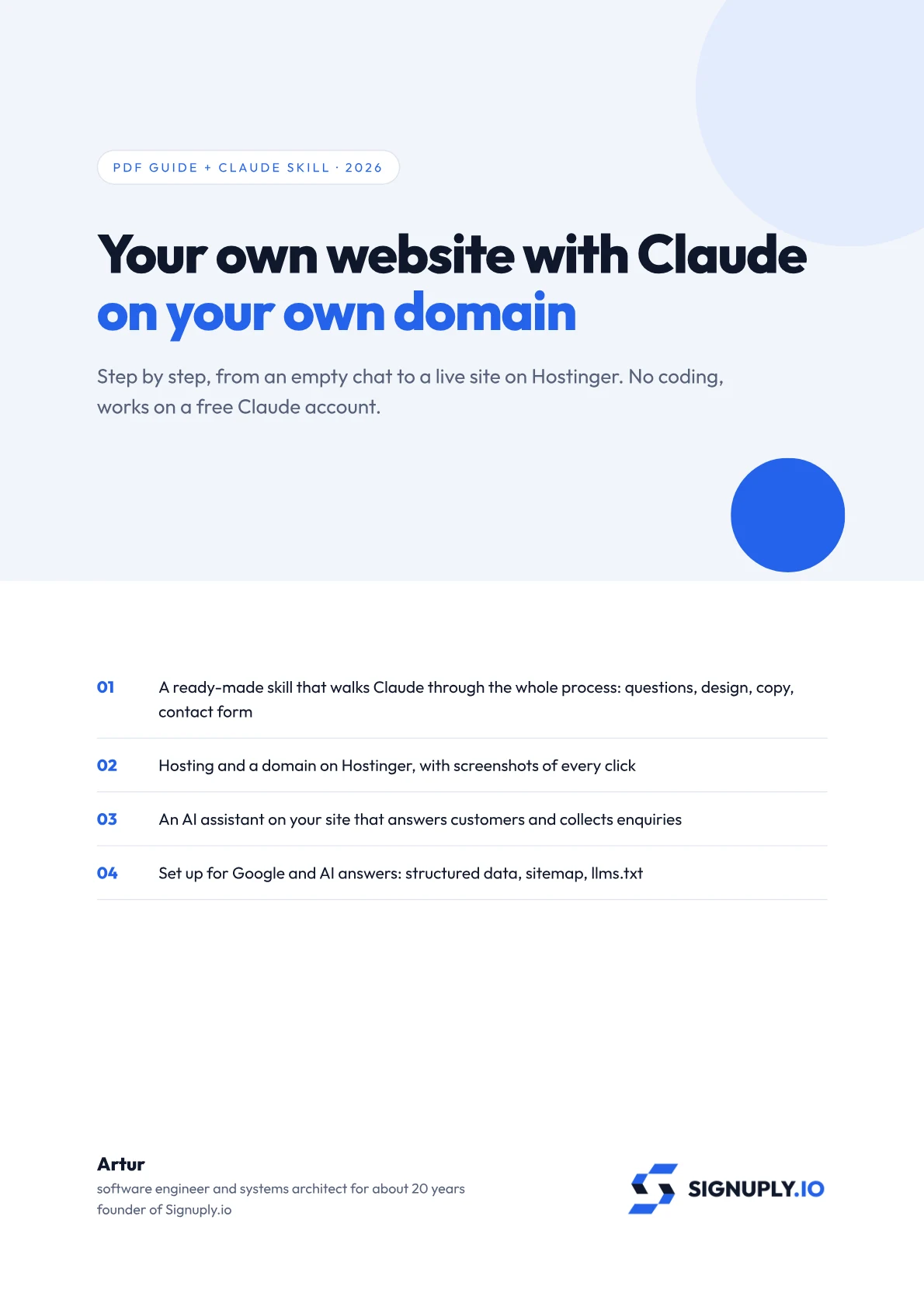
With Claude, no coding. A step-by-step PDF guide and a ready-made Claude skill take you from an empty chat to a live site on your own domain.
- One-time payment
- PDF emailed in minutes
- Secure checkout with Stripe

A guide for you, a skill for Claude

PDF guide, 19 pages
Five steps in plain English, from creating a Claude account to connecting your domain, with how long each one takes.

A Claude skill that guides the build
Upload it to Claude once. It makes Claude ask about your business first, then plan, design and write the site with you.

Hosting and domain, click by click
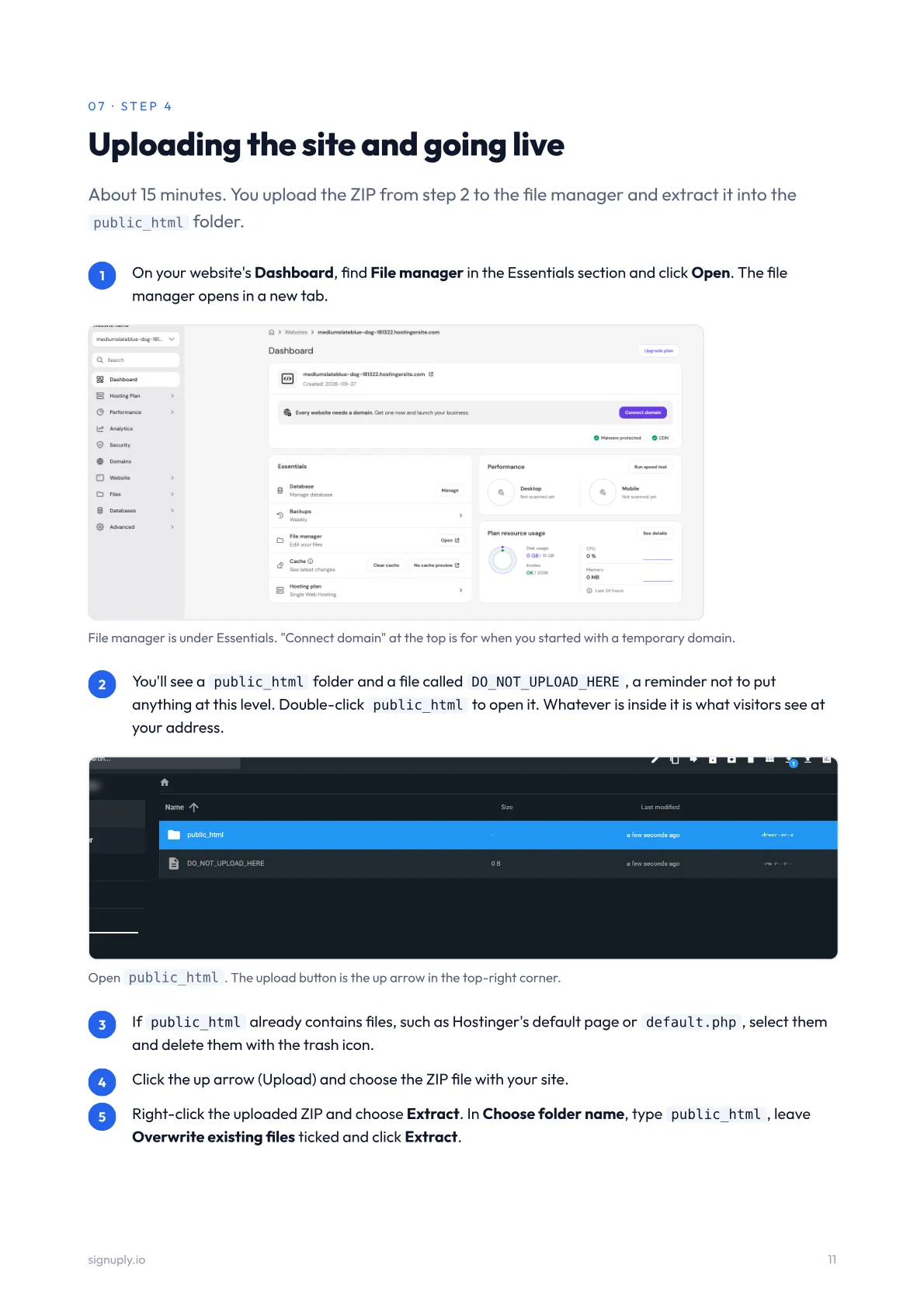
Screenshots of every screen in Hostinger, from picking a plan to the padlock showing up next to your address.

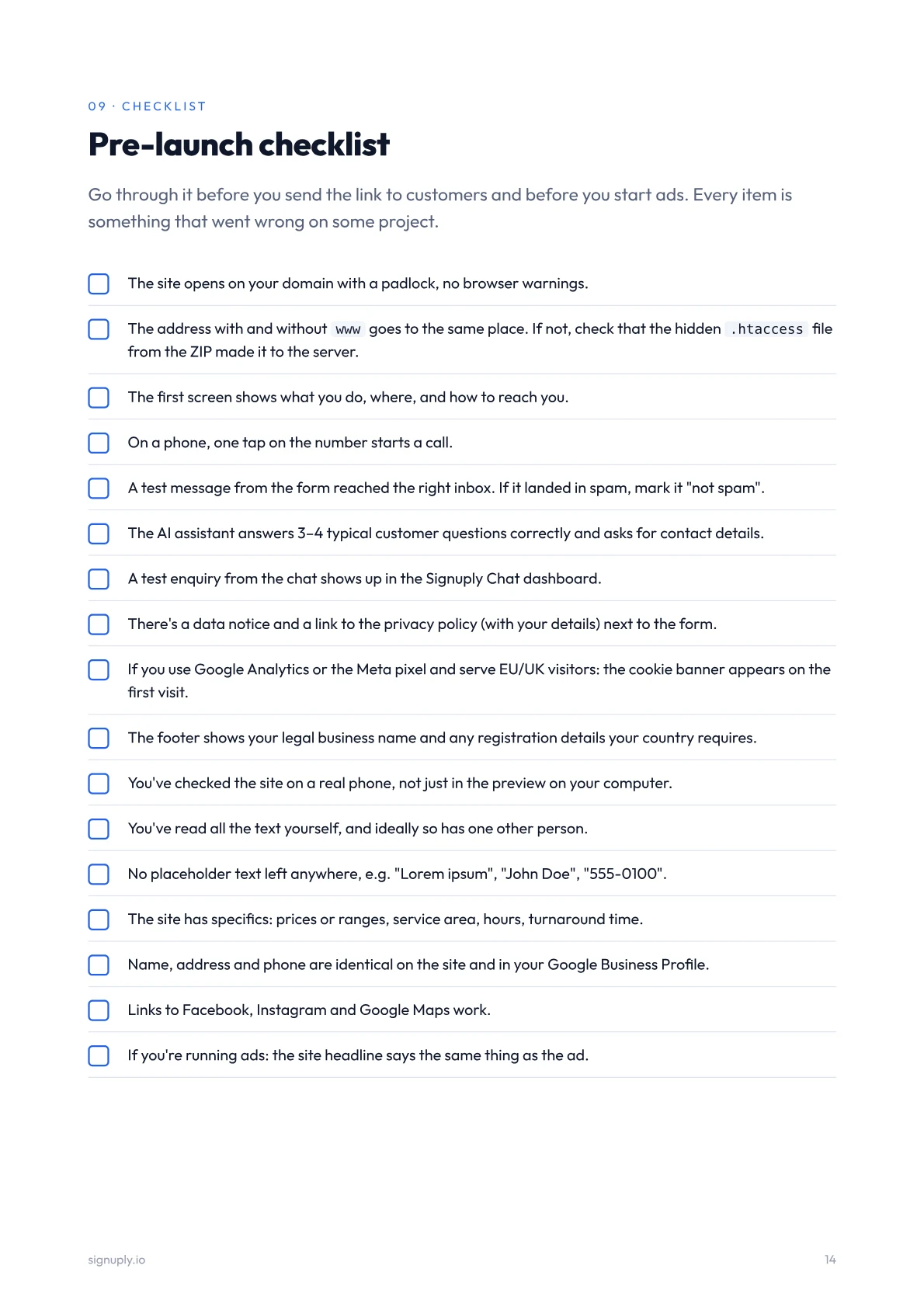
A 17-point pre-launch checklist
Phone layout, contact form, privacy policy, Google basics. You can also use the skill on client sites.
Three steps, no code
- 1
Install the skill
10 minCreate a free Claude account and upload the skill. You only do this once.
- 2
Build the site with Claude
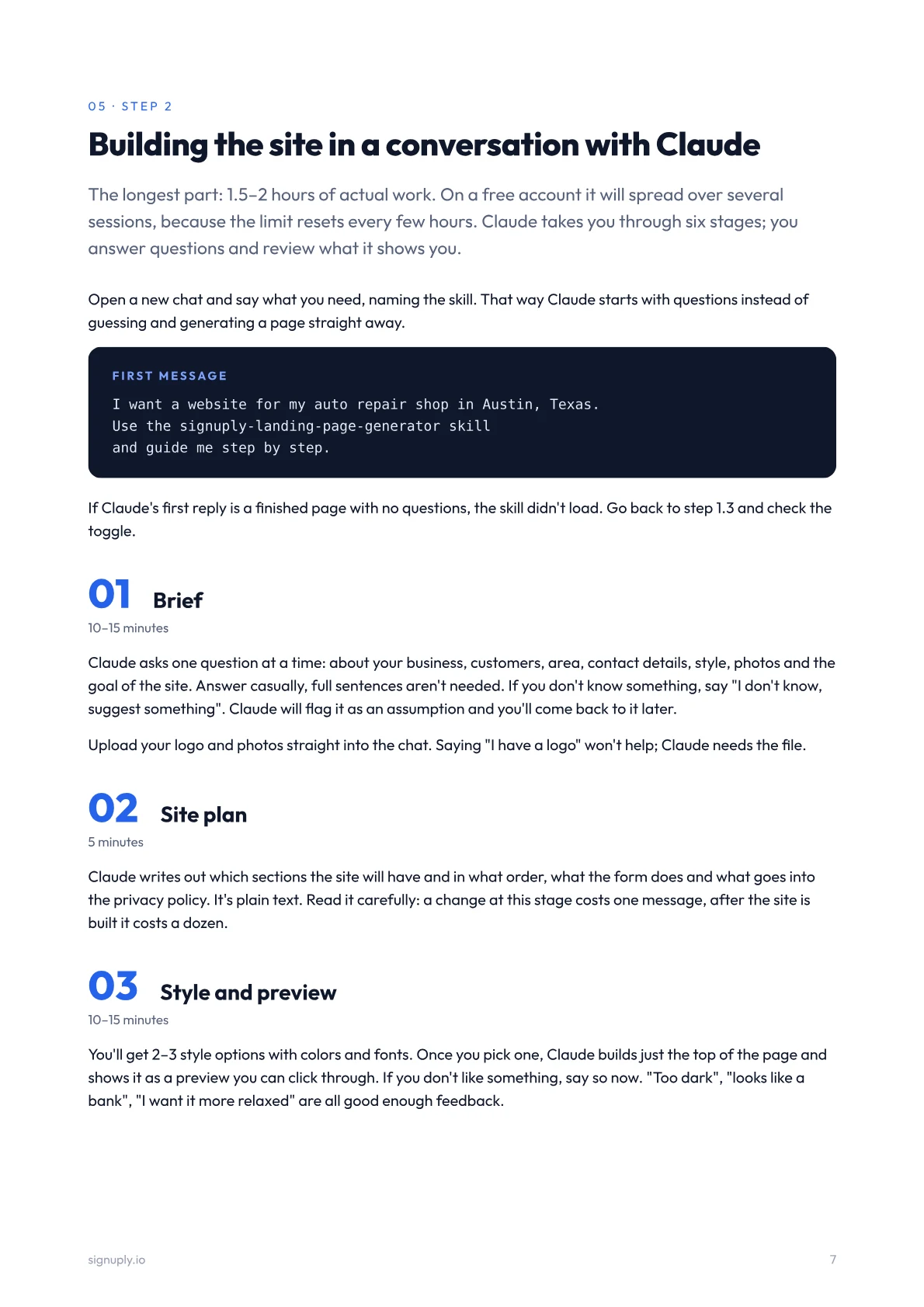
1.5–2 hClaude asks about your business one question at a time, shows previews and builds the site. You answer and pick what you like.
- 3
Publish on your own domain
30 minGet hosting and a domain on Hostinger, upload the files from Claude, and your site is live.
You can. On its own, Claude tends to skip steps.
Just asking Claude
- It builds right away, from guesses about your business
- No working contact form or privacy policy unless you know to ask
- The phone layout and Google basics get skipped
- You get a ZIP of files and no idea how to get them online
With the guide and the skill
- Claude asks about your business first, then builds
- A contact form that reaches your inbox, and a privacy policy
- Checked on a phone screen and set up for Google
- Step-by-step publishing on your own domain

Artur
Software engineer for 20 years, founder of Signuply.io
I build websites and AI tools for small businesses at Signuply.io. Over the past year, most of the sites I've built were made with Claude.
This guide is the process I use for client sites, simplified so you can follow it without code, a terminal or a paid Claude plan.
The guide and the skill in one package
A freelancer usually charges $1,500 or more for a simple business site.
- PDF guide, 19 pages, 14 chapters
- The signuply-landing-page-generator skill (a ZIP you upload to Claude)
- Hostinger walkthrough with screenshots of every click
- A 17-point pre-launch checklist
- The right to use the skill on sites you build for clients
Also needed: hosting and a domain, from a few dollars a month on Hostinger. A free Claude account works.
Questions I get most often
Do I need to know how to code?
No. You'll see code, because a website is a set of HTML files, but you don't have to read or fix it. If something doesn't work, describe the problem to Claude in plain words and it will fix the files.
Is a free Claude account really enough?
Yes, skills work on the free plan. The catch is the usage limit, which resets every few hours, so expect 3–4 sessions. The skill saves a project note so you can pick up where you left off. On Claude Pro (about $20 a month) you can finish in one sitting.
How do I get the guide?
Right after payment you get an email with the PDF attached and a download link. The link to the skill is inside the guide.
What kind of site can I build?
A site that says who you are, what you do and how to reach you: one page or a handful of pages, with a contact form. Not an online store, a booking system that takes payments, or a site where customers log in.
What does it cost besides the guide?
Hosting and a domain, from a few dollars a month on Hostinger when you pay for a year up front; some plans include the domain for the first year. A free Claude account works, and the contact form uses a free service.
Will my site show up on Google?
Google will find it, and the skill adds titles, descriptions, structured data and a sitemap. Ranking high for popular searches takes months, though. For a local business, a Google Business Profile works faster; the guide shows you how.
Can I build sites for clients this way?
Yes, you can use the skill on client sites without limits and charge for them. You just can't resell or share the guide or the skill file itself.